Animate with AI
Turn a blank prompt into a finished frame. A project-based course for storytellers who want to direct AI video tools like Runway, Pika and Kling — not just poke at them.
Prompt to Frame
Write cinematic prompts that hold consistent style, character and motion.
Storyboard First
Plan shots before you generate, so AI output edits together like a film.
Tool-Agnostic
Move fluidly between Runway, Pika, Kling and Luma as each new model ships.
Ship a Reel
Leave with a graded showreel built for your portfolio or client pitch.
Direction matters more than the tool
Anyone can type a prompt. This course teaches the craft decisions — shot design, pacing, continuity — that separate a generated clip from a directed one.
Cinematography Foundations
Framing, blocking and lens language, taught the traditional way first so your prompts have real vocabulary behind them.
Multi-Model Fluency
Weekly labs across Runway, Pika, Kling and Luma, so you learn to pick the right model for each shot instead of one workflow.
Live Studio Critique
Weekly feedback sessions with working motion directors reviewing your actual cuts, not generic advice.
Consistency Systems
Character and style-locking techniques so your generations don't drift shot to shot.
Sound & Voice Design
AI voice, score and sound-effect layering with ElevenLabs to finish a reel that feels complete.
Portfolio Outcome
You leave with a graded, gradable reel built specifically to pitch clients or studios.

One course, a full production pipeline
Animate with AI walks you through the same pipeline working studios use: concept, storyboard, generation, editorial, sound, and grade — with an AI tool doing the heavy lifting at each stage.
- 6 modules, 32 lessons, 48 hours of studio-produced video
- 5 guided live projects reviewed by mentors
- Private cohort community for critique and collaboration
- Lifetime access with tool updates as models evolve
Six weeks, in order
Each week builds on the last — you won't touch a generation tool until your shots are actually planned.
Visual Language & Story Structure
Shot types, blocking, pacing, and how to break a script into a directable shot list.
Prompt Engineering for Motion
Writing prompts that control camera movement, subject action, and scene continuity.
Character & Style Consistency
Reference-locking and seed control techniques to keep characters stable across shots.
Sound, Voice & Score
Generating voiceover, ambience and score, then syncing them to picture.
Editorial & Grade
Cutting AI-generated footage together in Premiere, with color and pacing passes.
Final Reel & Critique
Ship your graded showreel and present it in a live studio critique.
What's inside each module
Every module pairs a short lecture with a hands-on lab you complete before moving on.
Foundations of Motion
Frame rate, timing, easing and the 12 principles of animation — translated for AI generation.
Prompting for Video Models
Structuring prompts for camera moves, subject motion, and scene transitions across tools.
Character & World Consistency
Reference images, seed locking, and style transfer to keep every shot on-model.
AI Voice & Sound Design
Voice cloning, ambience generation and score composition with ElevenLabs.
Editorial Pipeline
Assembling generated clips into a coherent edit with pacing, transitions and grade.
Final Reel Production
Plan, generate and deliver a graded reel from brief to final export.
Tools you'll be fluent in
We stay current with the model landscape — the toolkit is refreshed every cohort.
Runway Gen-4
Video generation & editing
Pika Labs
Fast iteration & effects
Kling AI
Long-form coherent motion
Luma Dream Machine
Camera-controlled shots
ElevenLabs
Voice & sound design
Adobe Firefly
Reference & asset generation
Premiere Pro
Editorial & assembly
After Effects
Compositing & finishing
Learn by shipping real reels
Five guided projects, each reviewed live by a mentor before you move to the next module.


A repeatable four-step workflow
The same loop, applied to every project — so it becomes muscle memory by week three.
Storyboard
Sketch the shot list and intent before opening any AI tool.
Generate
Produce and iterate shots in the model best suited to each one.
Assemble
Cut, pace and sound-design the sequence in Premiere.
Critique
Present the cut for live mentor feedback, then revise.
Choose your track
One-time payment, lifetime access. No subscriptions.
Self-Paced
Learn on your own schedule
- Full 6-module video library
- Downloadable project files
- Community access
- Certificate on completion
Mentored Cohort
Live sessions with structured feedback
- Everything in Self-Paced
- Weekly live critique sessions
- 5 mentor-reviewed live projects
- Private cohort community
- Portfolio-ready final reel
Studio Team
For teams of 5 or more
- Everything in Mentored Cohort
- Dedicated onboarding call
- Team progress dashboard
- Priority mentor support
What's included
| Feature | Self-Paced | Mentored Cohort | Studio Team |
|---|---|---|---|
| Full video curriculum | |||
| Downloadable project files | |||
| Community access | |||
| Live weekly critique | |||
| Mentor-reviewed projects | |||
| Team progress dashboard | |||
| Priority mentor support | |||
| Certificate on completion |
What students say
I'd never touched motion design before this. By week four I was generating shots that actually cut together like a real sequence.
The consistency techniques alone paid for the course. My client work looks so much more controlled now.
Live critique was the difference. Getting real feedback on my actual cuts pushed me further than any tutorial.
I shipped a client-ready ad spot in the final week. That reel got me two new contracts.
The tool-agnostic approach means I'm not stuck when a new model ships. I just know how to direct it.
Frames from student reels
 Sci-Fi Short
 Light Study
 Brand Spot
 Character Study
 Urban Night
 Behind the Cut
 Nature Doc
 Music Video
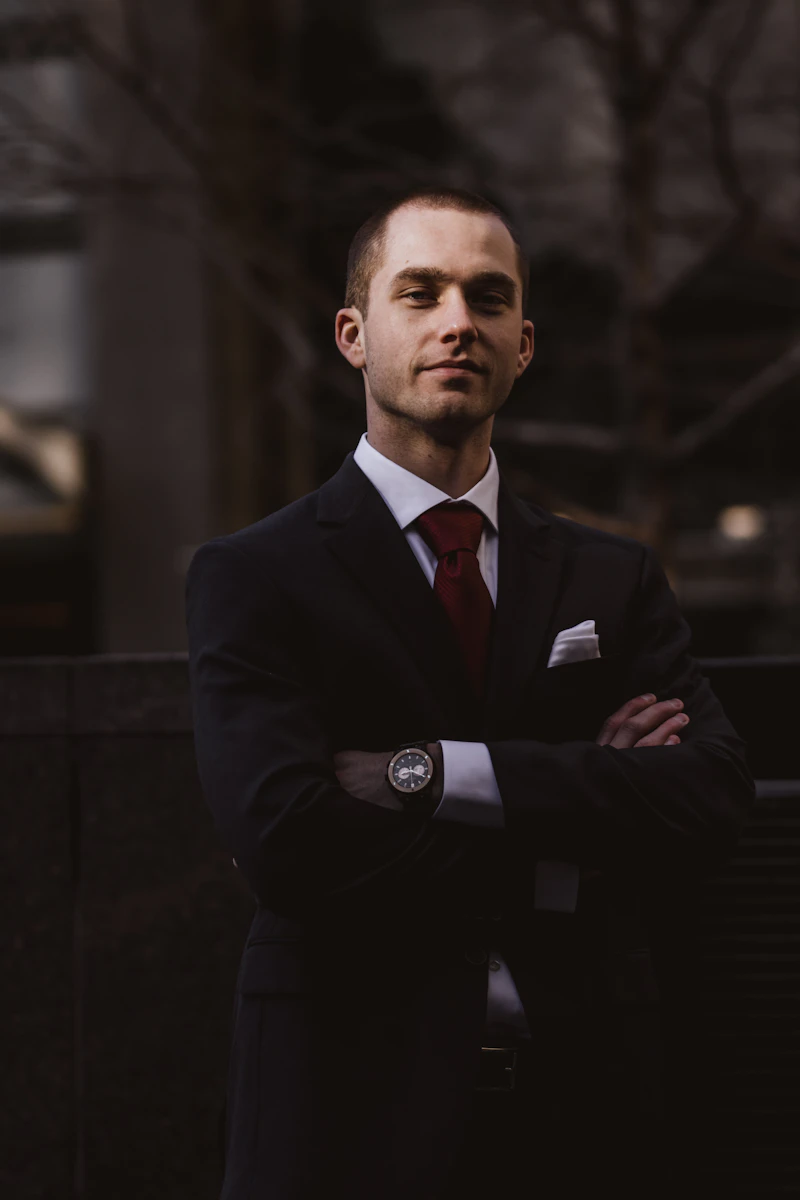
Taught by a working motion director
Elena Voss has spent twelve years directing motion content for streaming platforms and brand studios, and the last three integrating AI generation into real production pipelines. She built this course around the workflow her own studio uses today.
Frequently asked questions
No. The course starts with core motion principles before introducing any tool, so complete beginners and working designers both have a clear on-ramp.
You'll work directly in Runway, Pika, Kling, Luma Dream Machine, ElevenLabs and Adobe Firefly, plus traditional finishing in Premiere and After Effects.
Lifetime access is included with every plan, along with tool updates as the underlying AI models change.
Yes, a verifiable certificate is issued once you submit your final reel project.
Every plan includes a 14-day, no-questions-asked refund window from the date of purchase.
You keep lifetime access, and the community regularly shares workflow updates whenever a major new model ships.
Still have questions?
Send us a message and a mentor from the team will reply within one business day.
Your next reel starts with one prompt
Join 12,400+ students learning to direct AI, not just prompt it.